How to make SublimeLinter work with Ruby & RVM
If you're using SublimeLinter with Sublime Text 2 on Rails projects using RVM, then you might have noticed some lines are displayed as being errors when they're actually not.
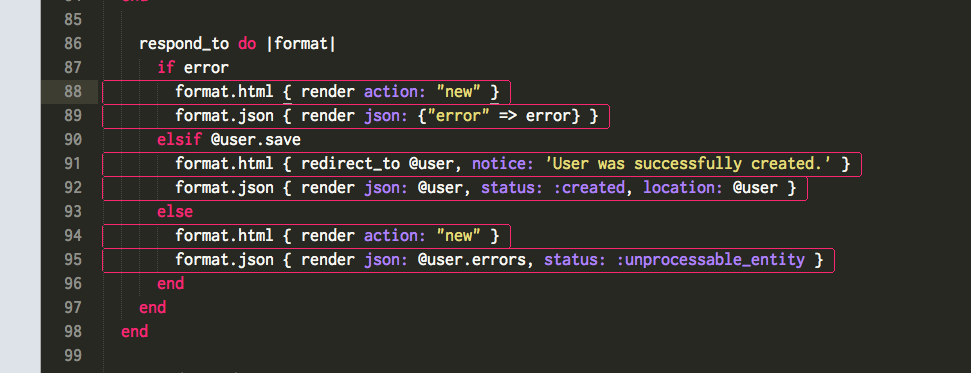
This is because SublimeLinter is using the system ruby, instead of the ruby for your gemset. See, the Ruby linter that SublimeLinter uses is extremely simple. It just runs the code through ruby -wc and marks any output in the code. But that's the problem. Sublime Text 2 isn't using the ruby that your Rails app uses.
You can change the SublimeLinter settings to correct this issue by opening the Sublime Text 2 menu, going into Preferences -> Package Settings -> SublimeLinter, and selecting Settings - User. Add this text to the file, save it, and restart Sublime Text 2:
The old way we had to fix this problem was to go through the package files themselves:
- Hold the option key down
- Click the
Gomenu in Finder - Select
Library - Navigate into
Application Support/Sublime Text 2/Packages/SublimeLinter/sublimelinter/modules - Open the file
ruby.pyin Sublime Text 2 - Change line 10 from
'executable': 'ruby',to'executable': '/Users/YOUR-USER-NAME/.rvm/bin/rvm-auto-ruby', - Restart Sublime Text 2
The drawback to this workaround was that if/when SublimeLinter was updated, you would lose this edit. Good thing we don't need to worry about that, anymore!
Tags
sublime-text-2 sublimelinter ruby rvm
Related Posts
17 Dec 2013 Donoku
09 Dec 2012 The tech behind getting Blizzalert into its third season
03 Nov 2012 Little-Corner is now a Heroku-ready Rails app
14 Oct 2012 Sip as a replacement for Pick as a replacement for Digital Color Meter in Mac OS X
08 Oct 2012 Launch Soon is a Heroku-ready viral Coming Soon page